
Connecting the dental website to your PMS and online booking
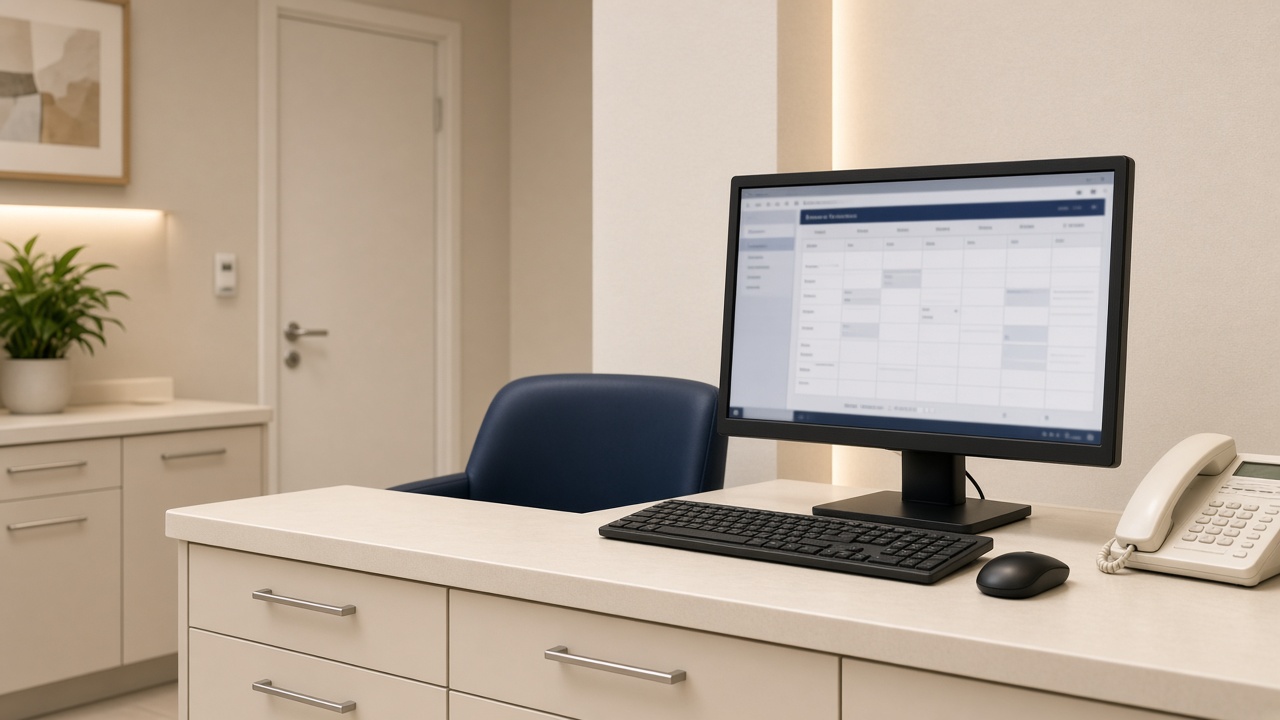
Most dental websites still treat booking as a costume. The button is large. The form asks for a name, a phone number and a vague “reason for visit”. Someone in reception copies that email into the PMS when they have a minute. The patient, who thought they had booked, is still waiting for a call.
An integration is a different object. The site offers real availability, or at least a constrained request that lands as a task against a live chart. The PMS remains the diary. The website is the front door that already knows which chair, which clinician and which appointment type you are willing to give a stranger.
Three levels of “connected”
Level one is notification: a form posts to email or a Slack channel. It is better than a mailto link and it is not a booking system. Level two is a lead in the CRM or PMS with a treatment tag. Useful, still not a slot. Level three is diary-aware booking (Dentally, SOE, Carestack, or a specialist layer such as a true online book) where the patient can take a new-patient exam, an emergency slot or a hygiene visit you have chosen to expose.
Private implant and Invisalign journeys often should not be level three on the first click. Those patients need a TCO conversation before they occupy a surgeon’s hour. The website can still be integrated: the form creates the person, tags the treatment, and offers the TCO diary rather than the surgeon diary.
What to expose, and what to hide
Do not put the whole book online. Expose the appointment types that a stranger can safely take: new patient private, emergency, hygiene if you want it, a short implant assessment. Hide the clinician’s restorative blocks, the NHS sessions you cannot fill from the internet, and anything that needs a medical-history gate you have not built yet.
Map each treatment page to one destination. The Invisalign page should not share a form with “contact us”. If the PMS cannot tag the source, the agency can still pass a hidden field. The failure mode is one inbox and a receptionist guessing.
Failure modes we keep seeing
Double books happen when the website cache and the PMS cache disagree. “Booked” emails that never created a chart happen when the middleware user lost permission after a password rotation. Duplicate patients happen when the matcher is email-only and the patient used a second address. GDPR awkwardness happens when the booking vendor stores the medical questionnaire in a US region nobody named in the privacy notice.
Test with a real dummy patient every time the site, the theme or the PMS updates. If only the developer can run the test, the integration will rot.
A clean target architecture
Website collects intent and consent. Booking layer offers allowed slots. PMS is the system of record. CRM, if you have one, watches the same person rather than inventing a second one. The treatment coordinator lives in that chain, not in a personal Gmail label called “website leads”.
Who owns the midnight emergency
Decide, in writing, whether the website may offer an emergency slot and what that slot is. A true emergency book that lands on a nurse-led triage call is different from a stranger taking a restorative hour because the widget showed “next available”. If you close the online emergency type at 18:00, say so on the page. Patients who find a 404 at 22:00 will still phone; they will also leave a review about the button that lied.
Give the out-of-hours path a human sentence: the number, the service you use, and what not to wait for. That block belongs on the booking confirmation as well as the contact page. Integrations fail at the edges of the week, not at Tuesday 11:00 when everyone is in the building.
Consent, medical questions and the vendor list
If the booking tool asks about pregnancy, bleeding, or medication, you have moved from diary logistics into health-adjacent data. Your privacy notice has to name that vendor. Your DPIA, if you have one, has to mention it. Do not collect a medical questionnaire on the website “to save time” if the PMS already has a safer place for it on the day. Collect the minimum that lets you book the right appointment type. Everything else can wait for the waiting room tablet you already pay for.
A monthly integration drill
On the first Monday, submit one dummy new-patient book, one dummy treatment-form, and one failed payment if you take deposits. Confirm the chart, the tag, the confirmation SMS and the cancellation path. Log it. When the drill fails you will be glad it failed on a dummy named Test Patient and not on a full-arch enquiry you cannot find. This is unglamorous. It is also the entire difference between “we are integrated” and “we were integrated in the demo”.
Keep a simple architecture diagram: site, form plugin, booking vendor, PMS, SMS, CRM. When someone wants to add a chat tool, make them draw the new box. Most dental websites rot because nobody was allowed to say the stack was already full.
Deposits, finance and the half-booked patient
If you take a deposit online, the PMS must show that money against the person, not against a ghost booking. If finance is applied for between the website and the assessment, the TCO needs the status without phoning the lender as a hobby. These are the integrations practices skip because the demo booked a hygiene visit. High-ticket dentistry fails in the middle of the journey, where money and medical reality arrive together.
Write the failure email. When a payment does not clear, the patient should get a sentence that is not “error”. When a slot is taken during checkout, they should get the next two options, not a dead end. Someone has to own those templates. If the vendor will not let you edit them, that is a reason to leave the vendor.