
Hosting, security and patient data on dental websites
Principals will spend thirty thousand on a fit-out and then put the website on the cheapest shared box the agency already resells. That might be fine for a restaurant. It is a weak story for a clinic that takes medical questionnaires, stores images, and connects to a diary. You do not need a hospital SOC. You do need to know where the data is, who can see it, and how you get it back.
What the website actually holds
Even a “simple” WordPress enquiry is personal data. A form that asks for a medical condition, a photograph of a mouth, or a note about anxiety is health-adjacent and should be treated with that seriousness. Chat transcripts, booking vendors, review invitations and failed-payment emails all extend the surface. If you do not have a register of those processors, the privacy notice is fiction.
Hosting questions that fit on one page
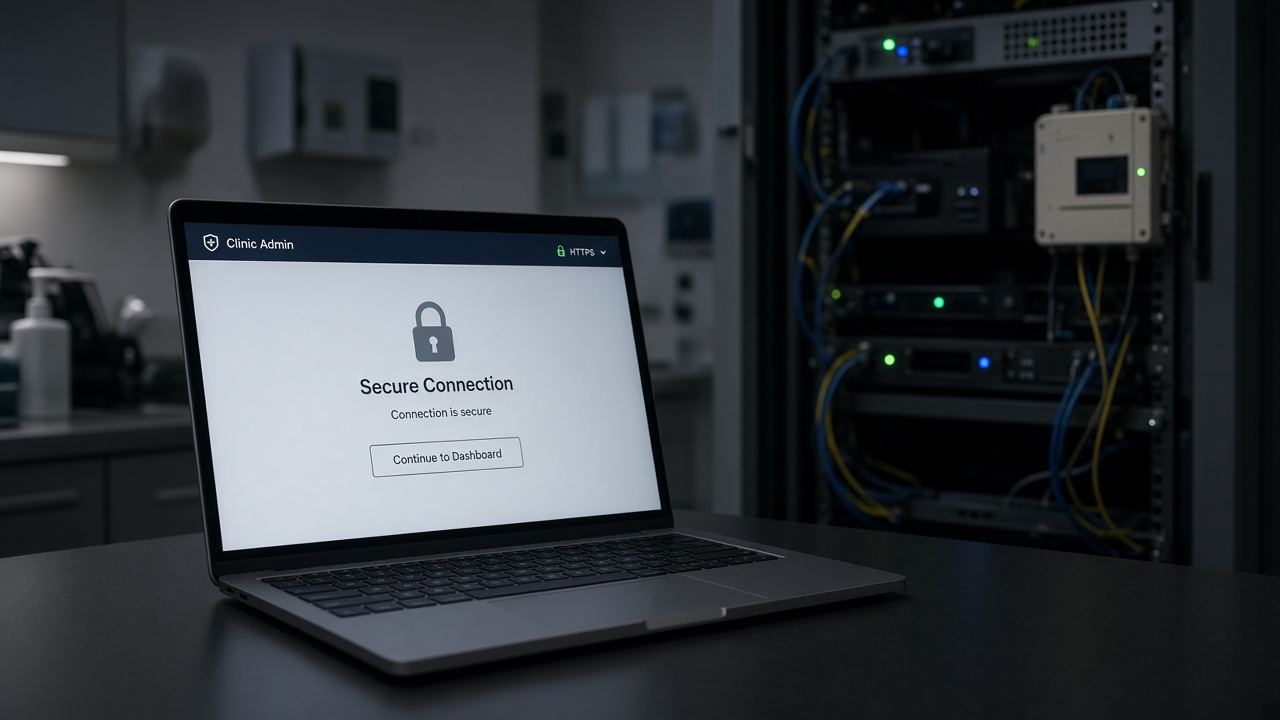
Where are the servers. Who is the data processor. Is there a staging site, or does the developer edit production on a Friday. How are backups taken, how often, and has anyone restored one. Is HTTPS everywhere, including the booking embed. Are unused plugins deleted, not just deactivated. Is wp-admin behind a real password policy and 2FA, not the intern’s birthday.
Managed WordPress or a serious VPS with someone named on the retainer beats an anonymous reseller account whose invoice goes to a freelancer you no longer have a number for. Plesk or cPanel are fine if updates happen. They are not fine as a personality.
Do not invent a second clinical record
The website should not become a shadow PMS. Forms should collect what the TCO needs and then die into the proper system. Leaving CSVs of implant enquiries in a Google Drive “just for the agency” is how a subject access request becomes a month. If a vendor offers “AI that reads your patients’ X-rays in the browser”, ask where the image goes when it leaves the practice.
Incidents are a rehearsal, not a poster
Know who pulls the site if it is defaced. Know who tells patients if a form plugin leaked. Know how you reset the booking integration without locking Friday’s book. Write it in a document reception can find. The ICO will care about the data. Your diary will care about the hour you were offline.
Security on a dental site is mostly hygiene: updates, least privilege, no shared admin, no abandoned landing-page builders, and a host who answers the phone. Buy those before you buy a holographic smile on the homepage.
Agencies, access and the leftover accounts
When you change web agency, rotate everything: hosting, DNS, WordPress, booking, analytics, Google Business, the social logins used to post. Leftover admin users are how old contractors remain a data processor you no longer have a contract with. Ask for a user list twice a year. Remove the theme shop account that “needed admin for an update”. If a plugin requires admin forever, replace the plugin.
Put a named practice owner on the hosting and DNS, not only the agency. Practices lose years of email and rank when a supplier relationship ends and nobody has the registrar login. This is not paranoia. It is a routine UK small-business failure mode, and dental sites are not exempt because they photograph well.
Backups you have actually restored
A backup that has never been restored is a rumour. Once a year, restore to staging and click a form, a book and a gallery. Confirm the media library came with it. Confirm the booking keys still work or know how to replace them. Off-site backups matter; a backup that lives only on the same disk as the site is a single accident.
If you collect images of mouths through the site, decide a retention period. The TCO does not need a 2019 selfie folder in the media library. Delete with the same seriousness you would apply to a paper sheet in a corridor. The website is part of the records environment even when the PMS is the official chart.
What “UK data” actually means
Ask the host and every form vendor where the disks are and where the support team looks when they log in. “We use AWS” is not an answer. A region and a processor name is an answer. If a chat tool stores transcripts in the US, say so or do not use the tool. If you email medical photographs to a personal Gmail because “it’s quicker”, the hosting conversation was theatre. The weakest box wins. Train that as firmly as you train glove changes.
Put website vendors on the same processor list you already keep for the PMS. The website is not a separate planet. It is another door into the same duty of care.